
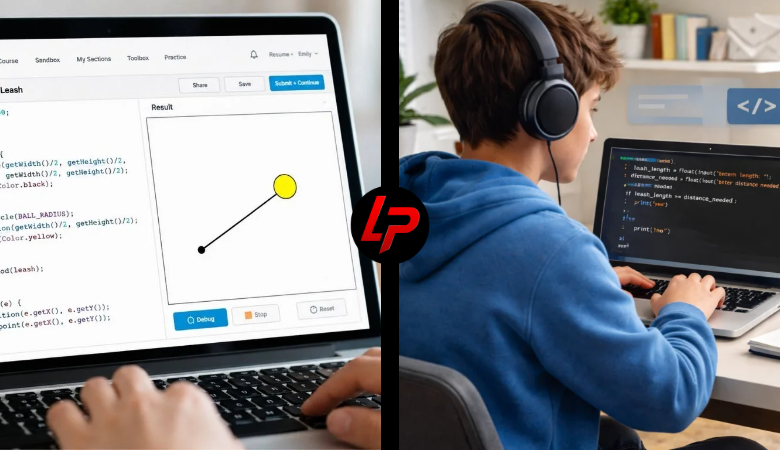
The 9.7.4 Leash exercise is a CodeHS JavaScript Graphics activity designed to teach students how mouse movement, lines, circles, and coordinates work together. In the program, a ball follows the user’s mouse while a line remains connected to it from a fixed point. The finished effect looks like a ball attached to a leash.
Although the activity appears simple, it introduces several important programming concepts. Students learn how to create graphical objects, detect mouse movement, update coordinates, work with callbacks, and modify objects while a program is running.
What Is 9.7.4 Leash?
9.7.4 Leash is an interactive CodeHS graphics exercise found in a Drawing Lines section of the JavaScript curriculum. The goal is to create a circle and connect it to a fixed point with a line. As the mouse moves across the graphics canvas, the circle and the moving end of the line follow the pointer.
The exercise helps students understand how graphical objects can react to user actions in real time.
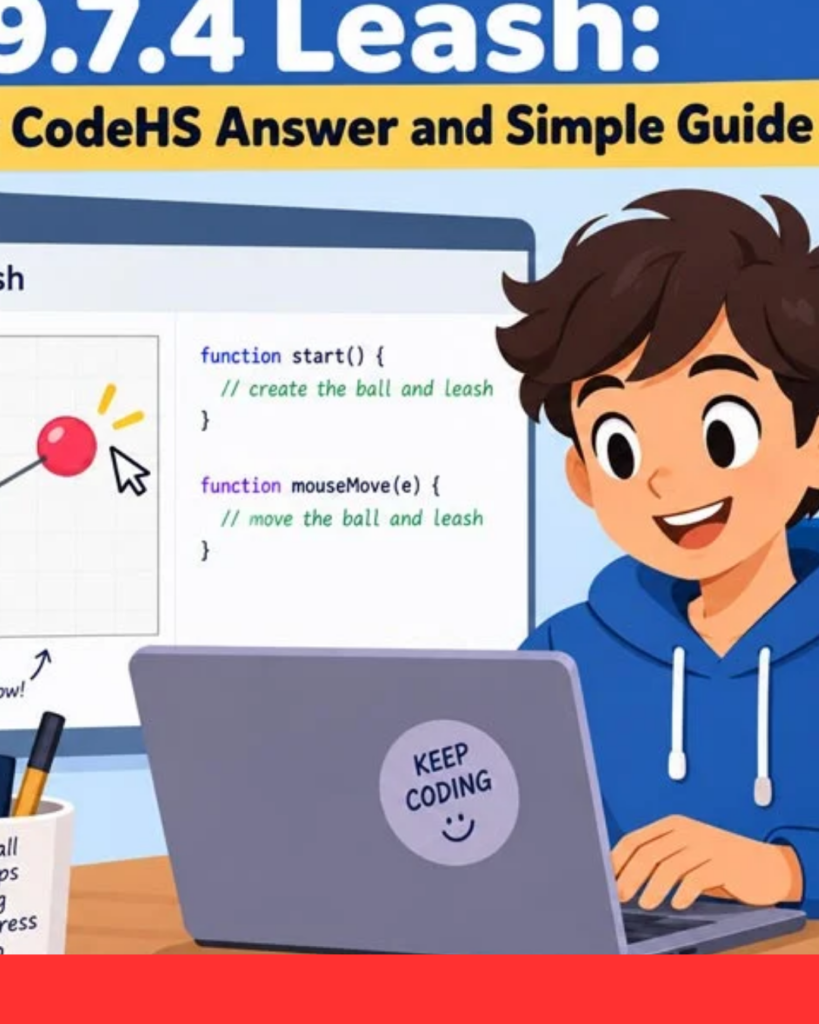
What Does 9.7.4 Mean?
The numbers 9.7.4 identify the location of the Leash exercise within a CodeHS course. They are not a software version or physical leash measurement.
In some CodeHS courses, students may also find a similar activity numbered 4.7.4 Leash. Course numbering can change between different curricula, so students should focus on the actual instructions and programming concepts rather than relying only on the exercise number.
How 9.7.4 Leash Works
The program begins by creating two graphics: a circle and a line. The line starts from a fixed position, often around the centre of the canvas, while its second endpoint connects to the circle.
When the mouse moves, the program reads the new X and Y coordinates. It then moves the circle to those coordinates and changes the line’s endpoint to the same position.
Main Goal of the Exercise
The main goal of 9.7.4 Leash is to teach students how multiple graphical objects can respond to the same event.
The circle represents the moving object, while the line represents the leash. Both depend on the mouse coordinates. Because the ball and line endpoint receive the same X and Y positions, they stay visually connected even while the user moves the pointer around the canvas.
Understanding Canvas Coordinates
CodeHS graphics use an X-Y coordinate system. The X coordinate controls horizontal position, while the Y coordinate controls vertical position.
Students can also use getWidth() and getHeight() to find the size of the canvas. Dividing these values by two helps locate the centre. This technique is useful because it allows the program to adapt to different canvas sizes instead of depending entirely on fixed numbers.
Creating the Circle
The moving ball is normally created using the CodeHS Circle object.
A circle can be created with a chosen radius and then positioned with setPosition(x, y). After that, add() places the object on the graphics canvas.
The important point is that the ball should usually be created once. Mouse movement should then update the position of that existing circle rather than creating a new circle repeatedly.
Creating the Line
The leash is created using a Line object. A line has a starting point and an endpoint, each defined using X and Y coordinates.
The starting point can remain fixed while the endpoint changes. CodeHS provides setEndpoint(x, y) for this purpose. By updating only the endpoint, the line stretches and rotates naturally toward the mouse without moving away from its original anchor position.
Mouse Movement
Mouse interaction is one of the most important parts of 9.7.4 Leash.
CodeHS provides mouseMoveMethod() to register a function that should run whenever the user moves the mouse. The function receives information about the event, including the current cursor location.
This is an example of event-driven programming, where the program waits for a user action and then responds instead of simply running once from top to bottom.
Getting Mouse Coordinates
Inside the mouse-event function, CodeHS provides methods such as e.getX() and e.getY().
These values represent the current mouse position on the graphics canvas. The program uses them to move the circle and update the line endpoint.
If both graphical objects receive exactly the same coordinates, the line remains connected to the ball. This simple relationship creates the visual leash effect.
Important Functions
Several functions are commonly involved in the exercise.
Circle() creates the ball, while Line() creates the leash. setPosition() moves a graphical object, and setEndpoint() changes the ending position of a line.
Students may also use getWidth(), getHeight(), e.getX(), e.getY(), add(), and mouseMoveMethod() while building the program.
Understanding what each method does makes the exercise much easier to complete and debug.
Common Mistakes
A common mistake is moving the circle without updating the line endpoint. This causes the ball to appear disconnected from the leash.
Another mistake is changing the wrong end of the line. If the starting position moves instead of remaining fixed, the expected leash effect disappears.
Students may also forget to register the mouse event, use incorrect capitalisation, or accidentally create new graphics every time the mouse moves.
Callback Errors
Students sometimes incorrectly add parentheses when registering the event function.
With mouseMoveMethod(), the program needs the function itself, so it can run later whenever mouse movement occurs. Calling the function immediately changes the behaviour.
This distinction introduces students to callback functions, which are widely used in JavaScript for mouse clicks, keyboard controls, web interfaces, animations, and many other interactive programming tasks.
How to Debug 9.7.4 Leash
Debugging is easier when the program is checked one step at a time.
First, confirm that both the circle and line appear on the screen. Next, check whether the circle follows the mouse. If it moves correctly but the line does not, inspect the setEndpoint() logic.
If nothing moves, review the mouse-event registration and callback function. Checking each part separately usually reveals the problem faster.
Benefits of the Exercise
The biggest benefit of 9.7.4 Leash is that students immediately see the result of their code.
If a coordinate is incorrect, the ball moves to the wrong location. If the endpoint is not updated, the leash stays behind. This visual feedback helps students understand programming logic much faster than working only with text output.
The exercise also prepares students for games, animations, drawing tools, and interactive applications.
What Students Learn
Students completing the Leash exercise gain practical experience with coordinates, graphics objects, event handlers, callbacks, object movement, and real-time updates.
They also learn how multiple objects can share the same data. In this case, both the circle and line endpoint depend on the mouse position.
These concepts appear again in more advanced projects involving drag-and-drop features, character movement, aiming systems, interactive menus, and browser-based games.
9.7.4 Leash vs. 4.7.4 Leash
Students may find both 9.7.4 Leash and 4.7.4 Leash when searching online.
The difference is mainly related to the CodeHS course structure. Similar exercises can appear under different numbering systems in different courses or curriculum versions.
Because of this, students should compare the exercise instructions and expected output before following any tutorial. The programming concepts may be nearly identical even when the exercise numbers are different.
Is 9.7.4 Leash a Python Exercise?
Some third-party websites describe 9.7.4 Leash as a Python conditional exercise involving leash length and distance.
However, the CodeHS course material associated with 9.7.4 Leash places the exercise inside a JavaScript graphics and Drawing Lines section. The relevant methods include Circle, Line, mouseMoveMethod(), and setEndpoint().
Therefore, the JavaScript graphics interpretation is the more reliable explanation of this specific exercise.
Final Thoughts
9.7.4 Leash is a useful CodeHS exercise for understanding how JavaScript graphics respond to mouse movement. Students create a circle, connect it to a fixed point with a line, and update both objects whenever the pointer changes position.
More importantly, the exercise teaches the foundations of event-driven programming. Once students understand how coordinates, callbacks, and graphics objects work together, they can apply the same logic to more advanced CodeHS projects and interactive programs.
Must Read: Best Spiritual Rewards and Blessings For Reading Quran
FAQs
What is 9.7.4 Leash in CodeHS?
9.7.4 Leash is a CodeHS JavaScript graphics exercise where students create a circle connected to a fixed point by a line. The circle follows the mouse while the line endpoint moves with it, creating the appearance of a ball attached to a leash.
What programming language is used in 9.7.4 Leash?
The exercise is associated with JavaScript Graphics in CodeHS. Students work with graphical objects such as Circle and Line while using mouse-event methods to make the program respond to cursor movement.
What does mouseMoveMethod() do?
mouseMoveMethod() tells the program to run a specific function whenever the mouse moves across the graphics canvas. It allows the program to continuously read the mouse position and update graphical objects in real time.
Why is setEndpoint() important in the Leash exercise?
The setEndpoint() method changes one end of the line without moving its fixed starting point. This allows the line to stretch and rotate toward the moving circle, which creates the visual leash effect.
Is 9.7.4 Leash the same as 4.7.4 Leash?
They can refer to very similar CodeHS activities placed under different course structures or curriculum versions. The exercise number may vary, but both versions are commonly associated with drawing lines, mouse movement, and interactive JavaScript graphics.






One Comment